


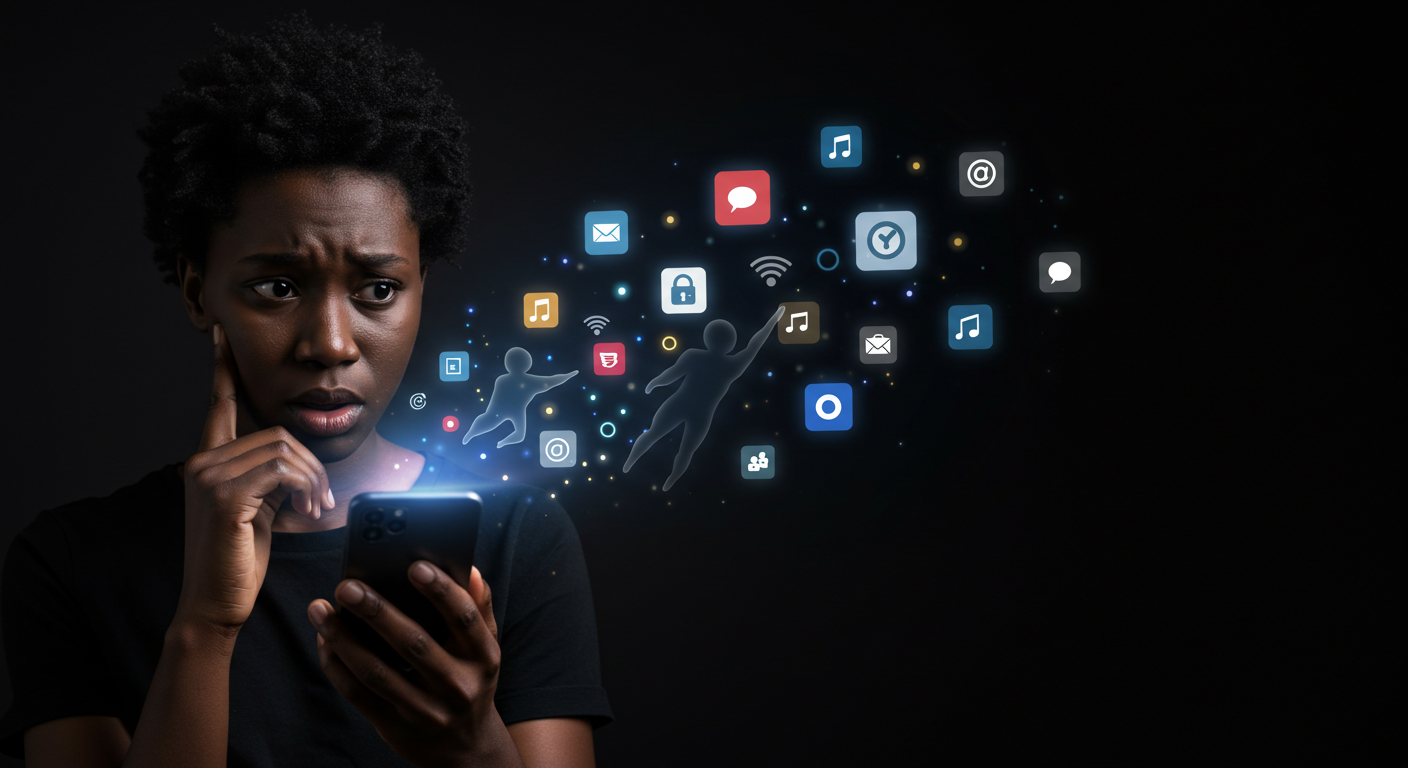
Most of us can’t go a day without opening at least a handful of apps—whether it’s to check messages, order food, or scroll through our favorite timelines. What we don’t know is that some of the everyday apps that leak data are the same ones we trust the most. What feels like harmless convenience often comes at the cost of our personal information. From tracking your location in the background to quietly collecting browsing habits, many apps are built to gather more than they give. And while tech companies promise better app privacy, the reality is that sensitive details often end up in the hands of advertisers, data brokers, or even hackers.
So, which apps are quietly exposing you? You’d be shocked to find out.
See Also: Digital habits that can expose you to cyber threats
1. Social Media Apps
It’s no surprise that social media tops the list of everyday apps that leak data. Platforms like Facebook, Instagram, TikTok, and X are built around data collection. Every like, comment, and share feeds into massive profiles that advertisers use to target you with uncanny precision.
The issue goes beyond ads. These apps often track your browsing activity outside their platforms, mapping your online behavior across websites and even linking it to your real-world location. This turns what seems like casual scrolling into a detailed digital fingerprint. For users, it means less control and greater vulnerability if that information is ever misused or exposed in a breach.
Even with privacy settings, the core business model remains data-driven. That’s why many privacy experts warn that everyday apps data leak by design not by accident. Still, you can reduce exposure by limiting app permissions, turning off location services when not needed, and avoiding the temptation to sign into third-party sites with your social media accounts.
2. Messaging Apps
Messaging feels private, but many chat platforms are part of the circle of everyday apps that leak data. While conversations may appear secure, the real concern lies in the metadata, details like who you talk to, how often, and at what times. Apps such as WhatsApp, Messenger, and even some “encrypted” platforms collect this information to improve services and, in some cases, feed advertising systems.
Backups are another weak point. Many users don’t realize that when chats are saved to the cloud, they may no longer be fully encrypted. This creates openings for breaches or unauthorized access. Combined with permissions like contact syncing, your personal network becomes part of the data pool—extending beyond just your messages.
The truth is, everyday apps data leak not just through what you say but also through the invisible trails left behind. The risks range from profiling for ads to exposing communication patterns that could be misused if intercepted.
To minimize exposure, check whether your preferred app offers true end-to-end encryption and avoid auto-backups unless you can secure them. Also, review permissions and limit what the app can access on your phone. By doing this, you regain some control over information flow.
3. Weather Apps
Checking the weather feels harmless, but many weather platforms rank among everyday apps that leak data. The reason is simple: they rely on precise location tracking. By accessing your GPS around the clock, these apps can map where you live, where you work, and even your daily routines.
While location data is valuable for forecasting, it’s also a goldmine for advertisers and data brokers. Reports have shown that some free weather apps quietly sell this information, bundling it into massive datasets that reveal patterns about where people shop, travel, and spend their time. In the wrong hands, such detailed tracking can be used for more than ads—it can expose personal safety risks.
This is another reminder that everyday apps data leak not because of bugs but because their business model depends on monetizing personal information. Most users trade privacy for convenience without realizing how much they’ve given away.
The good news is you can limit exposure without giving up your forecast. Instead of granting “always-on” GPS access, set the app to use “approximate location” or allow it only while in use. You can also try apps that collect less data or check the weather through your browser.
4. Fitness & Health Apps
Fitness trackers and health apps are marketed as tools to help you live better, but they are also everyday apps that leak data in ways many users don’t expect. These platforms gather highly sensitive details—step counts, sleep cycles, heart rate, calorie intake, and even mood tracking. When combined, this creates a deeply personal profile that goes far beyond basic demographics.
The risk is that such data doesn’t always stay private. Some apps share anonymized health information with advertisers or research partners, while others may not be transparent about how securely this data is stored. If leaked or misused, these details could influence things like insurance eligibility, job opportunities, or targeted ads that feel uncomfortably personal.
It’s a clear example of how everyday apps data leak not just financial or location details, but information about your very lifestyle and well-being. For many users, this is the kind of data they’d least want in the wrong hands.
To protect yourself, stick to trusted apps with clear privacy policies, review what health data you sync across platforms, and disable sharing features you don’t need. If possible, anonymize entries or limit tracking to essentials rather than giving away a full health profile.
5. Shopping Apps
Few apps know you better than the ones you shop with. From Amazon to Shein to your favorite grocery delivery service, shopping platforms are classic examples of everyday apps that leak data. Every click, wishlist item, and completed purchase builds a detailed profile of your habits—what you buy, when you buy, and even how much you’re willing to spend.
This information isn’t kept just for smoother checkouts. Many shopping apps share or sell it to advertisers, who then target you with eerily precise recommendations. Worse, stored payment details and personal addresses make these apps prime targets during data breaches, exposing users to fraud and identity theft.
The problem isn’t just convenience—it’s trust. Most people assume their information is safe after placing an order, when in reality everyday apps data leak as part of the business model. The “free shipping” and personalized discounts often come at the cost of privacy.
Protecting yourself doesn’t mean abandoning online shopping altogether. Use guest checkout whenever possible, avoid saving card details inside the app, and regularly clear purchase history. You can also set up virtual cards for online payments, adding an extra layer of security.
6. Free Utility Apps (Flashlights, Scanners, etc.)
On the surface, free utility apps look harmless. Who would suspect a flashlight, QR scanner, or note-taking app of being a threat? Yet these are some of the most notorious everyday apps that leak data—often far more than they should.
The red flag is permissions. Many of these apps request access to your microphone, contacts, photos, or even GPS—features completely unrelated to their basic function. In reality, some are little more than data-harvesting tools disguised as convenience. There have even been cases where utility apps doubled as spyware or malware, quietly feeding information to unknown third parties.
This is why everyday apps data leak isn’t always obvious. The simple, free tools we download without thinking can turn into open doors for advertisers, data brokers, or cybercriminals. Once installed, they may continue to run in the background, collecting sensitive information long after you’ve forgotten about them.
The best defense? Be ruthless with what you install. Only download apps from trusted developers and verified stores, and always check reviews before clicking “install.” More importantly, audit your existing apps—if you don’t recognize or use them anymore, delete them.
7. Ride-Hailing & Delivery Apps
Apps like Uber, Bolt, Lyft, DoorDash, and Jumia Food make daily life easier, but they are also everyday apps that leak data in ways most users don’t consider. To function, these platforms require precise GPS tracking, payment details, and route histories. Over time, they build a complete record of where you live, work, shop, and socialize.
This information isn’t just useful for pickups and deliveries—it’s incredibly valuable to advertisers and, in worst-case scenarios, dangerous if exposed in a breach. A leak of ride histories could reveal personal routines, from school runs to late-night outings, creating risks far beyond targeted ads.
The reality is that everyday apps data leak not just digital behavior but physical movements. For many people, that’s one of the most sensitive types of data to lose control of.
Protecting yourself doesn’t mean giving up on ride-hailing or food delivery. It means adjusting permissions: disable background location tracking, clear trip histories when possible, and avoid linking multiple accounts (like email, Facebook, or payment wallets) to the same app. The less data you centralize, the less exposed you are.
See Also: Top cybersecurity tips you need right now
Reports on app data collection
How to Protect Yourself from Data Leaks
Knowing that there are so many everyday apps that leak data is only half the battle. The real power lies in taking control of what you share. While no method guarantees complete privacy, these steps can drastically reduce your exposure:
1. Audit app permissions regularly.
Check which apps have access to your location, camera, microphone, or contacts. Revoke anything that isn’t essential.
2. Delete apps you don’t use.
Dormant apps often keep running in the background. If it hasn’t been opened in months, uninstall it.
3. Use privacy-first alternatives.
Messaging apps like Signal, browsers like DuckDuckGo, and email providers like ProtonMail are designed with app privacy in mind.
4. Turn off background tracking.
Set location access to “while in use” instead of “always on,” and clear app histories where possible.
5. Be cautious with free apps.
Remember: if an app is free, your data is often the real price. Check reviews and the developer’s reputation before downloading.
6. Strengthen your digital defenses.
Use a VPN to mask your browsing, enable two-factor authentication, and consider virtual cards for online payments.
See Also: Best tools for phishing protection
Bottomline
The convenience of apps is undeniable—they help us connect, shop, travel, and even monitor our health. But as we’ve seen, some of the most trusted tools are also everyday apps that leak data, often in ways that users don’t notice until it’s too late. From the subtle tracking of social media to the more personal insights gathered by health and shopping platforms, the risks are real and growing But awareness changes everything. True security doesn’t come from avoiding technology but from using it wisely. So, the next time you download or open an app, pause for a second and ask: Is this worth the data I’m trading? Your privacy is valuable. Guard it. Share this article to help others do the same.
Frequently Asked Questions (FAQs)
1. What are everyday apps that leak data?
They are common apps people use daily—like social media, shopping, messaging, or fitness apps—that collect and sometimes share personal information such as location, contacts, or browsing habits.
2. Why do apps collect my data?
Most apps gather data to improve user experience, personalize ads, or generate revenue by selling information to advertisers and data brokers. In some cases, this data may also be misused or exposed in breaches.
3. How can I tell if an app is leaking my data?
Look at the permissions it requests. If a flashlight app asks for microphone or contact access, that’s a red flag. Also, review the app’s privacy policy and check whether it shares data with third parties.
4. Are free apps less safe than paid ones?
Not always, but many free apps rely on advertising and data collection for revenue. Paid apps are more likely to limit tracking since they earn money directly from subscriptions or purchases.
5. What’s the simplest way to protect my privacy?
Audit your permissions, delete apps you don’t use, and consider privacy-focused alternatives. Using a VPN and enabling two-factor authentication also help reduce risks.
