


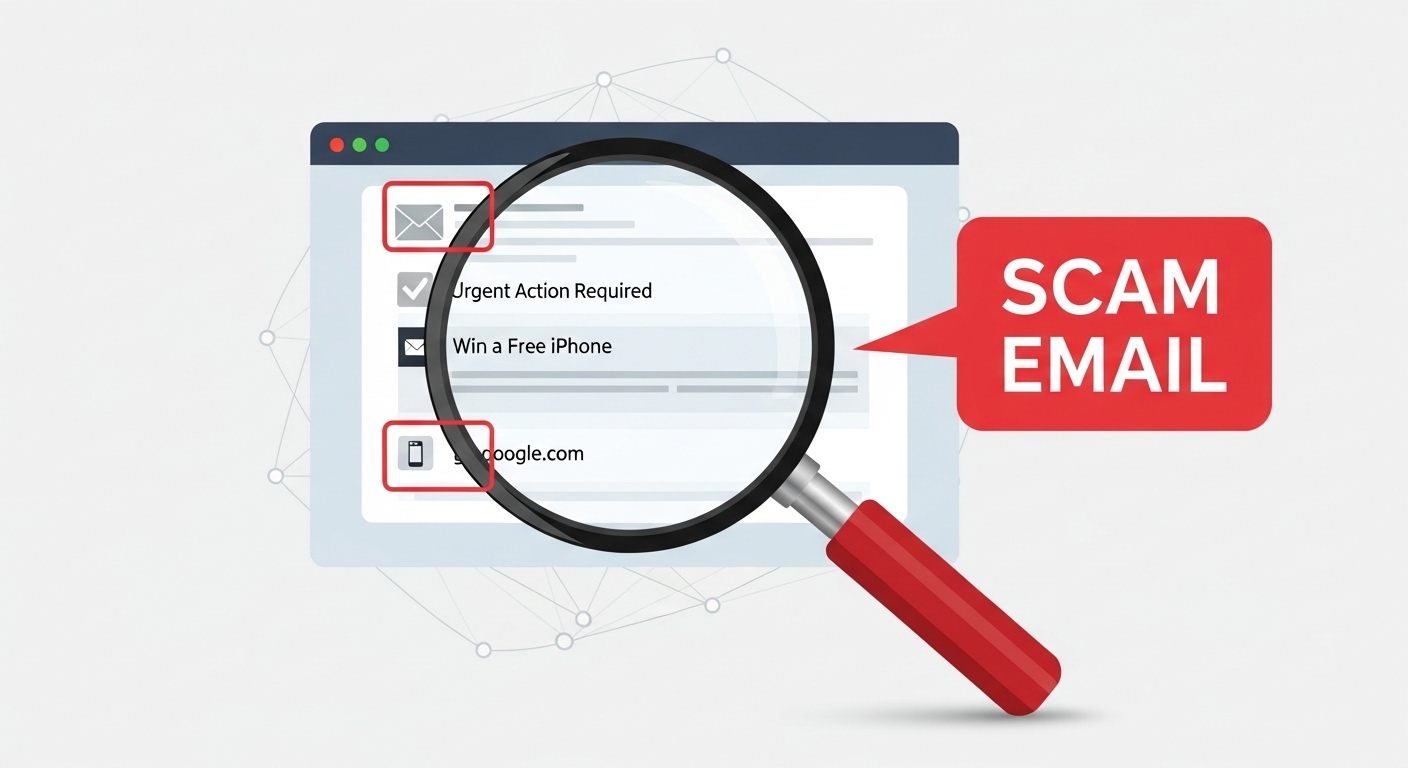
Scam emails aren’t new, but the game has changed. Once upon a time, spotting a fake email was easy. The grammar was awful, the design looked like it was made in Microsoft Paint, and the sender’s address screamed “scammer.” Now, thanks to artificial intelligence, those obvious red flags are fading fast. That’s why knowing how to spot an AI-generated scam email is no longer just a “nice to have” skill. It is essential.
Today’s scammers use AI to craft messages that look professional, sound convincing, and even include personal details about you. They can mimic a bank’s tone of voice, copy a company’s branding, and write in flawless English, all in seconds. The results are emails that feel real enough to make you second-guess yourself.
In the next few minutes, you’ll learn simple, practical ways to tell a genuine email from an AI-crafted fake, often in less than the time it takes to open it.
For more on AI-driven risks and safe tool usage, check out our post on using AI tools privately without risking your personal info.
What Makes AI-Generated Scam Emails Different?
Not all scam emails are created equal. The ones churned out by AI are a different breed. They are sharper, faster, and far more believable than the clumsy attempts we used to laugh at.
In the past, scammers relied on copy-and-paste templates or poorly translated messages. You could usually spot them from a mile away: odd sentence structure, spelling errors, or a strange mix of fonts and colors. But AI has removed most of those tell-tale signs.
With generative AI tools, a scammer can write flawless copy in perfect grammar and natural-sounding language. They can personalize messages instantly using stolen or scraped personal details and match a brand’s tone and style so well that even employees might not notice the difference. Scammers can also scale attacks by sending thousands of unique, tailored emails in minutes.
This means that a fake “payment alert” from your bank or a “delivery notice” from a courier company could look almost identical to the real thing. AI can even produce multiple versions of the same scam so no two victims see the exact same message, making pattern-based spam filters less effective.
Think of it like counterfeit currency: the better the fake, the harder it is to detect. But even the most convincing counterfeit has flaws and once you know where to look, those flaws stand out.
Red Flags You Can Spot in Seconds
1. Too Perfect Language
One of the quickest clues in learning how to spot an AI-generated scam email is noticing when the language is too perfect.
Human-written emails, even from professional companies, often have tiny imperfections: a slightly awkward sentence, a missing comma, or an inconsistent tone. AI, on the other hand, tends to produce flawless grammar, polished structure, and smooth-flowing sentences every single time.
At first glance, that sounds like a good thing. But in email security, “perfect” can actually be suspicious. If you receive a message from your “bank” or “service provider” that reads like it was proofread by a team of English professors, pause for a second. Especially if that company’s past emails have been more casual or less polished.
What to do:
- Compare it to a past genuine email from the same sender. Is the tone suddenly more formal or the vocabulary unusually advanced?
- Look for overly generic phrases like “We value your patronage” or “Your immediate attention is required” that could fit any recipient.
- Trust your gut. If the email feels different, there’s a reason.
2. Generic Greetings
Another quick giveaway when learning how to spot an AI-generated scam email is the greeting at the very top. Legitimate companies and contacts usually address you by name. “Hi Freda” or “Hello Mr. Johnson.”
AI-generated scam emails often skip this personal touch. Instead, they use vague, catch-all greetings like: “Dear Customer”, “Dear User”, “Dear Valued Client”. Why? Because even though AI can personalize messages, scammers don’t always have your real details, or they’re sending thousands of emails at once. A generic greeting is the safest option for them but a big red flag for you.
What to do:
- Check whether the greeting matches how that sender normally addresses you.
- Be extra cautious if the greeting feels unusually formal for the type of email.
- If it’s a company you have an account with, ask yourself: Wouldn’t they already know my name?
Remember: generic greetings aren’t proof of a scam on their own — but combined with other signs, they can confirm your suspicions.
3. No Real-World Details
When figuring out how to spot an AI-generated scam email, pay close attention to the details, or rather, the lack of them. AI can write convincing sentences, but if the scammer doesn’t feed it accurate information, it often falls back on vague, generic wording.
You might see phrases like: “A recent transaction on your account” or “Your delivery is waiting” or “We noticed suspicious activity”. Notice the problem? There’s no mention of the actual transaction amount, the date, the delivery tracking number, or what the suspicious activity was. Real companies usually provide specific details because they have them. Scammers don’t and AI can’t invent real data without giving itself away.
What to do:
- Ask yourself: Could this email apply to thousands of people? If yes, be suspicious.
- Cross-check with your recent activity. Log in directly to your account, not through the email link.
- Treat vague details as a red flag, especially if they’re paired with urgency or threats.
The bottom line is, real emails are grounded in facts you can verify. AI-generated scams often float in a cloud of “almost believable” but ultimately empty details.
4. Branding That’s ‘Off’
A sneaky but reliable sign when learning how to spot an AI-generated scam email is branding that looks almost right, but not quite.
AI can copy logos, colors, and layouts from real companies, but tiny flaws often slip through. These flaws might be so small you wouldn’t notice them unless you looked twice, but they’re there. Examples including the following :
- Logos that look blurry, stretched, or slightly different in color.
- Fonts that don’t match the brand’s usual style.
- Unusual spacing, alignment issues, or uneven borders in email banners.
- Low-quality images that seem out of place in a “professional” email.
Scammers often grab logos or design elements from the web, then run them through AI or image-editing tools. Even small resizing errors or mismatched shades can break the illusion.
What to do:
- Compare the email’s visuals to an official email from that brand in your inbox.
- Hover over images or logos — sometimes they link to suspicious, non-brand websites.
- Remember: genuine companies invest in crisp, consistent branding. Scammers cut corners.
If the branding feels “off” even slightly, trust your instincts and check before you click.
5. Repetitive Phrasing
Sometimes, the smartest way to figure out if an email was written by AI is to read it out loud. Why? Because AI often falls into a rhythm by repeating sentence structures, similar word choices, or the same type of transition over and over.
Instead of the messy variety you’d expect in a real conversation or human-written email, AI tends to create a pattern. You might see something like:
“We noticed unusual activity on your account. We need you to confirm your details. We will be forced to suspend your access if you don’t respond.”
Three sentences. Same length. Same structure. Same “we [action] you” formula. It feels mechanical because it is.
This is one of the subtler clues in how to spot an AI-generated scam email, but once you notice it, you can’t unsee it.
Try this:
- Read the email aloud. Does it sound flat or robotic?
- Look for repeated sentence openers (“We have…”, “Please be…”, “It is…”) or mirrored sentence lengths.
- Compare it with a past genuine email from that sender. Human writing is naturally inconsistent — AI often isn’t.
If the writing feels like it was stamped out by a machine, it probably was.
6. Emotionless Urgency
Scammers know urgency makes people act before they think. AI takes that trick and strips it of all emotion which is exactly what makes it suspicious.
Real urgent emails from people or companies you trust usually carry some kind of human tone: a touch of empathy, a polite explanation, maybe even an apology. AI-generated scam emails, on the other hand, bark orders without warmth. You can get mails like “Act now or your account will be suspended,” or “Immediate response required to avoid penalties,” or “Failure to respond will result in account termination.”
Notice the lack of context, reassurance, or personality. It’s all deadline, no dialogue. That’s a telltale sign when you’re learning how to spot an AI-generated scam email.
If an email demands action but doesn’t explain why in a relatable, human way, be cautious. And if the message is urgent but oddly calm and cold at the same time, it’s likely machine-crafted. Always verify the claim by going to the official source, not the link in the email. Urgency plus a robotic tone isn’t just a red flag. It’s practically a flashing warning light.
7. Suspicious Sender Address
You can dress an email up with perfect grammar, polished branding, and convincing urgency, but the sender’s address often gives the scam away.
Scammers know most people don’t check it closely. That’s why AI-generated scam emails may come from addresses that look legitimate at first glance but hide subtle errors such as:
- Extra characters ([email protected])
- Wrong domains ([email protected] instead of .com)
- Unnecessary prefixes ([email protected])
When learning how to spot an AI-generated scam email, this is one of the easiest checks you can do. Just hover over or tap on the sender’s name and the real email address will appear. If it doesn’t exactly match the official domain, treat the message as suspicious.
Try this:
- Search the sender’s domain name on Google. If it’s real, it’ll connect to an official site.
- Watch for public email services (like Gmail or Yahoo) being used by “official” senders.
- If the domain is off by even a single letter, it’s not the real deal.
Scammers can fake a lot, but getting the domain exactly right, and owning it, is much harder for them.
Smart Tools and Tricks for Detecting AI-generated Scam Emails
Spotting red flags by eye is a great first step. But if you really want to lock down your defenses, a few smart tools and quick checks can confirm your suspicions and keep you from falling for even the most polished scam.
These methods will help you verify whether that message in your inbox is safe or an AI-crafted fake.
1. Use AI-Detection Tools
There are free and paid services that can analyse text for AI patterns. Simply copy the suspicious email’s body (avoiding any links) and paste it into a detector. While they’re not 100% accurate, they can give you a strong indication if the writing style matches common AI-generated output.
2. Check the Email Header
Your email’s header holds valuable technical data — like the real sending IP address and the domain it came from. In Gmail, you can view this under “Show original”; in Outlook, it’s under “View message source.”
If the IP address is from a completely different country than the supposed sender, you’ve found a big clue.
3. Hover Before You Click
Hover your mouse over any link in the email (or tap-and-hold on mobile) to preview the full web address. If the link points to a site you don’t recognise — or doesn’t match the sender’s domain — it’s safer not to click.
4. Use Domain Look-Up Tools
Sites like WHOIS or ICANN can tell you when a domain was registered. If it’s only a few days old, that’s a red flag. Legitimate companies tend to have long-established domains.
4. Enable Two-Factor Authentication (2FA)
Even if you accidentally click something, having 2FA on your accounts adds an extra layer of security. It won’t stop an email from being a scam, but it will stop the scammer from getting in.
The beauty of these tools is that they don’t require deep technical skills. Just a little curiosity and a habit of double-checking before you act. Combined with the red flags from earlier, they make it possible to spot an AI-generated scam email, a skill you can use confidently in seconds.
What to Do If You Suspect It’s a Scam
Spotting the warning signs is one thing. Knowing what to do next is just as important.
If you’ve just used the tips on how to spot an AI-generated scam email and something feels off, here’s how to respond — quickly and safely.
1. Pause Before You Act
Scammers thrive on panic. Take a breath and resist the urge to click anything or reply immediately. Give yourself a moment to think before you do anything else.
2. Verify Through a Separate Channel
If the email claims to be from your bank, delivery service, or employer, don’t trust the links or numbers inside it. Instead, go directly to their official website or call their verified customer service line.
3. Don’t Click Links or Download Attachments
Even if the email looks real, avoid interacting with any links or attachments until you’ve confirmed it’s safe. Malicious links can lead to phishing sites, while attachments can install malware in seconds.
4. Report the Email
Forward it to your email provider’s phishing address (for Gmail, it’s [email protected]). If it’s work-related, alert your IT department immediately. In some countries, you can also report scams to a government anti-phishing agency.
5. Secure Your Accounts
If you clicked something by mistake, act fast:
- Change your passwords immediately.
- Run a malware scan on your device.
- Enable two-factor authentication on critical accounts.
Acting quickly not only protects you — it can also stop scammers from reaching others. Think of it as turning one suspicious email into a teachable moment for your whole network.
Here’s Section 6: Quick-Check Table — concise, scannable, and perfect as a visual anchor for your post.
6. Quick-Check Table: Legit Email vs. AI Scam Email
If you remember nothing else from this guide on how to spot an AI-generated scam email, keep this table handy. It’s a side-by-side of the most common differences you can spot in seconds.
| Feature | Legit Email | AI-Generated Scam Email |
| Greeting | Uses your real name | Generic like “Dear Customer” |
| Language Style | Natural, varied sentences | Overly perfect or repetitive phrasing |
| Details | Specific facts (dates, amounts, order numbers) | Vague and generic claims |
| Branding | Crisp logos, consistent colors | Slightly blurry or mismatched visuals |
| Urgency | Explains the issue politely | Demands action with no context |
| Sender Address | Exact official domain | Slightly altered or strange domain |
| Links | Direct to known domain | Lead to unfamiliar or suspicious sites |
To use this table, simply check two or three rows against any email you receive. If it matches the scam column more than once, treat it as suspicious and verify before acting.
See Also: AI-generated phishing and email security tips
